15 Reference
Privacy and data
ShanFlow sends your prompts only to the model provider you choose (Anthropic or OpenAI), and sends nothing off your machine itself except licensing checks and usage counts, unless you share a session to your phone with remote control. This chapter lists exactly what leaves your machine, how usage sharing works, where ShanFlow keeps its data, and how to delete it.
What leaves your machine#
| What | Goes to | When | Contains |
|---|---|---|---|
| Your prompts and code | Anthropic (Claude) or OpenAI (Codex) | Every turn | What the agent needs to work, under that provider's terms. Never to us. |
| Licensing check | ShanFlow | At launch and every few hours while it runs, and at least every 7 days | A hashed machine ID, the app version, and your email if you signed in. |
| Usage counts | ShanFlow | Always in Early Access. In the official build, only if you said yes. | Counts and ranges, like how many sessions you started. No code, prompts, file names or paths. |
| Remote control | Anthropic, into your Claude account | While you share a Claude session | The whole session, including what was already in it. See below. |
ShanFlow doesn't send code, prompts, file names or paths as telemetry. The app never writes file content itself; the agent does, under your permission settings.
Your model provider#
Each turn goes from your machine straight to the provider you chose: Anthropic for Claude, OpenAI for Codex. Their terms and privacy policies apply. ShanFlow doesn't proxy, store or see that traffic. Codex's own usage reports are turned off by ShanFlow.
Usage data#
Usage counts tell us which features people use, so we know what to fix and build. They are not anonymous. They are linked to your hashed machine ID, and so to your license email if you have one.
- Early Access: always on, as part of the Early Access terms. There's no switch. Settings › Privacy shows Early Access shares usage data: Always on. Early Access has no sign-in, so this is tied only to the machine ID.
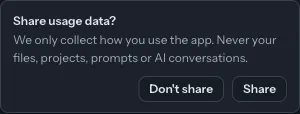
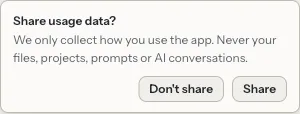
- Official build: off until you say yes. On first launch a card asks Share usage data? with Don't share and Share. It never blocks you.
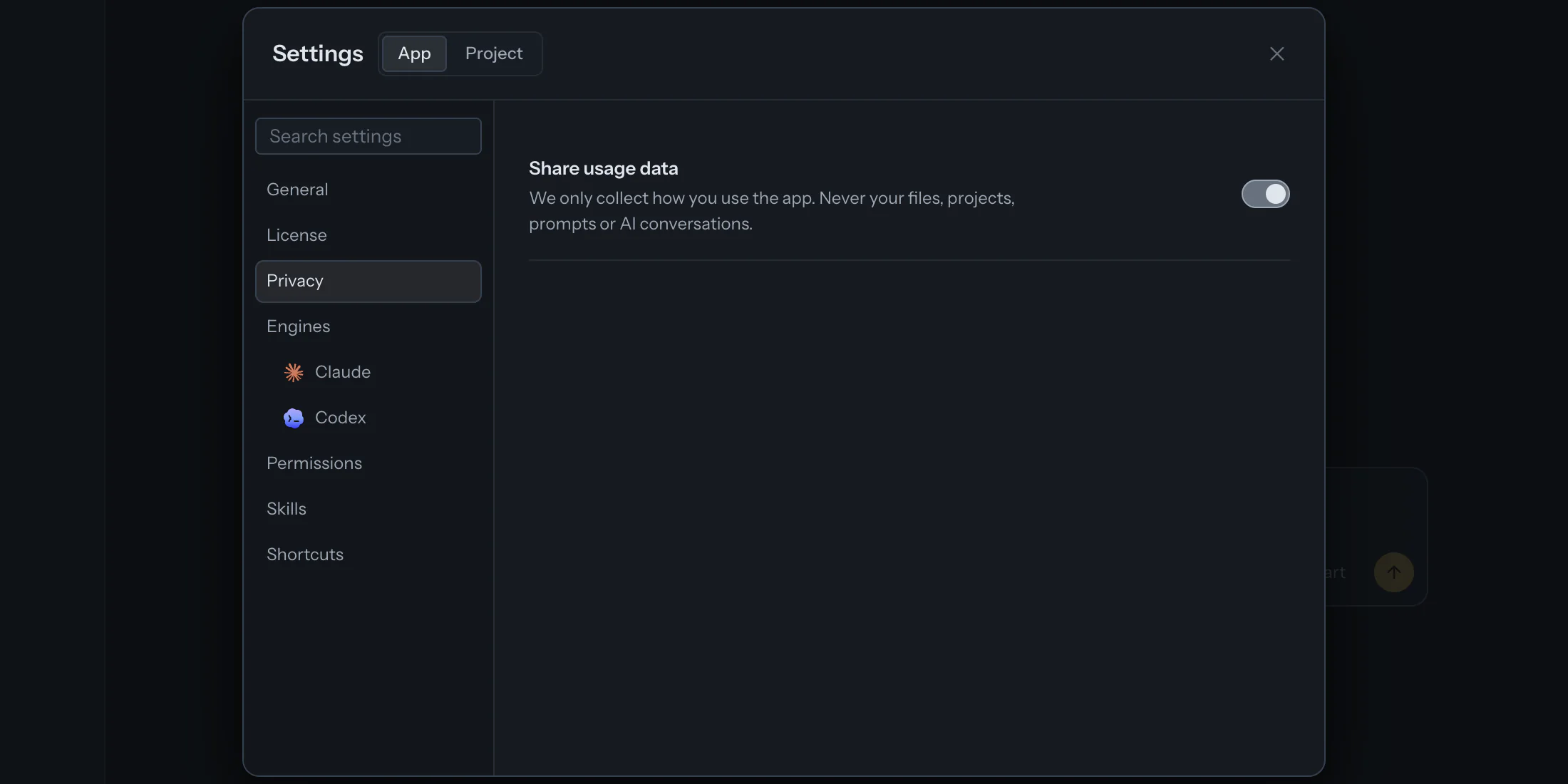
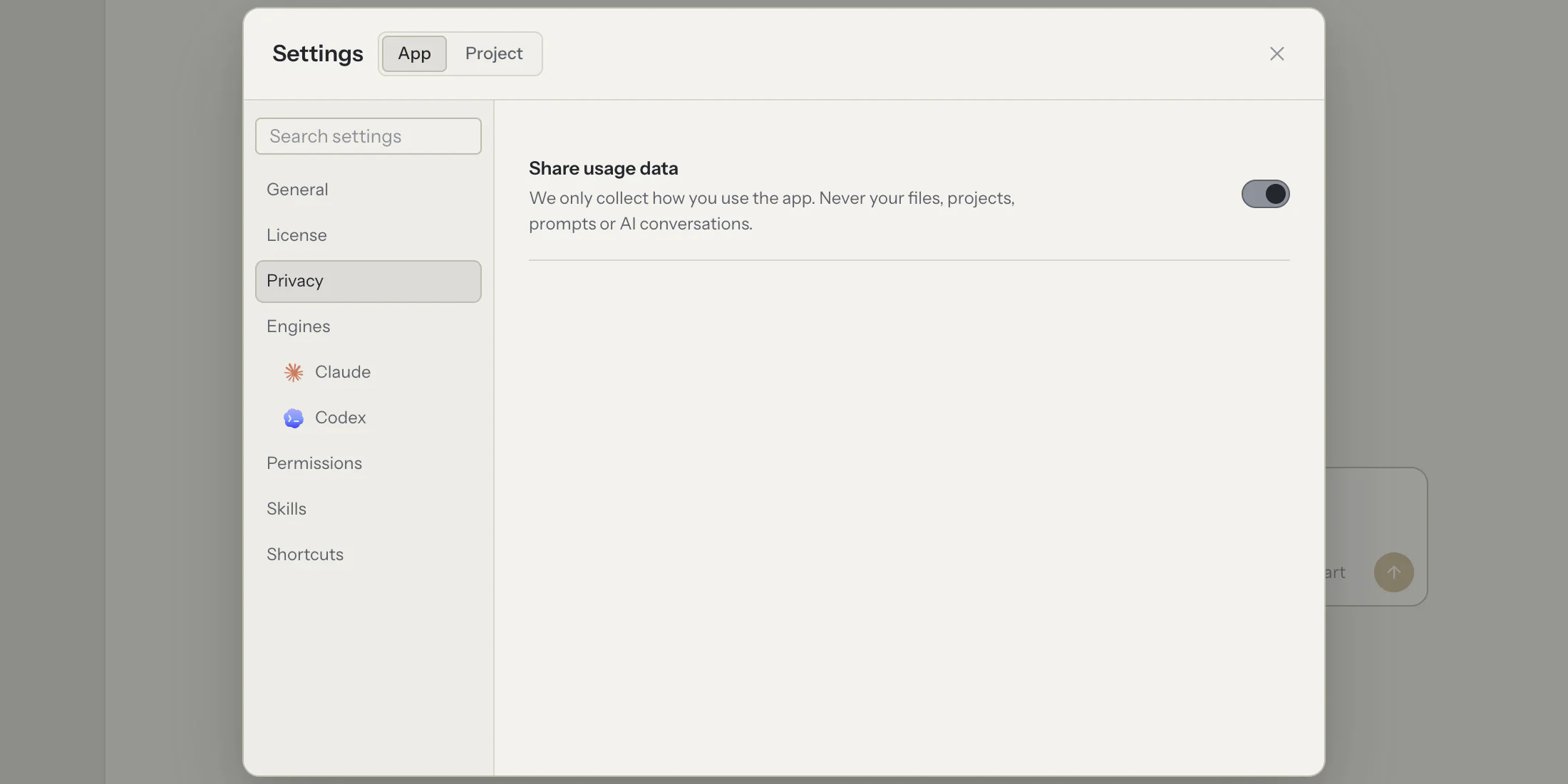
To change your answer, open Settings › Privacy and use the Share usage data switch. Turning it off stops all counting and sending at once and deletes anything queued on your machine.
What it counts: app launches, active time in ranges, which engines are signed in, sessions and turns per engine, which panels and actions you use, turn failures by category, crashes, and how fast the app opens. It never counts prompts, answers, code, file or project names, paths, branch names, URLs or tool output.
To ask us to delete usage records linked to you, email [email protected].
Remote control#
Remote control lets you follow and steer a Claude session from the Claude mobile app. It's off until you share a session, one session at a time. It isn't offered on Codex sessions. See Remote control.
When you share, the session travels through Anthropic's service to your Claude account. That includes what's already in the session, not only what happens next:
- your messages, the agent's replies and its thinking;
- every tool call with its full input and result: whole files the agent read, the full text of its edits, and command output;
- the project's folder path, its git remote and branch, the session title and the model.
Stopping the share ends sending and ends control from the phone. It doesn't delete what was already sent; that stays in your Claude account under that account's controls. The session keeps running on your machine throughout.
Where local data is stored#
ShanFlow keeps its settings and records on your machine, in its data folder:
- macOS:
~/Library/Application Support/ClaudeCoffee - Windows:
%APPDATA%\ClaudeCoffee
The folder is named ClaudeCoffee for historical reasons; it's ShanFlow's. It holds your project list, groups, workspaces, settings, license state, attachments, session records and local file history. Logs are in ~/Library/Logs/ShanFlow on macOS, and in a logs folder inside the data folder on Windows.
Claude Code and Codex keep session files in their own folders, ~/.claude and ~/.codex. ShanFlow reads those so your terminal sessions show up, and writes your ShanFlow sessions there. See Core concepts.
Uninstall and delete local data#
macOS
- Quit ShanFlow and drag it from Applications to the Trash.
- To delete its data too, remove the data folder above and
~/Library/Logs/ShanFlow.
Windows
- Open Settings › Apps › Installed apps, find ShanFlow, and choose Uninstall.
- To delete its data too, remove
%APPDATA%\ClaudeCoffee.
Deleting ShanFlow's data doesn't touch your projects, and doesn't delete session files in ~/.claude or ~/.codex. To remove those, delete them yourself. It also doesn't reset the trial: the trial is recorded on our server against your machine ID.
Data in your account#
If you have an account, you can download or delete what we hold about you from your account page. Questions: [email protected]. The privacy policy has the full detail.